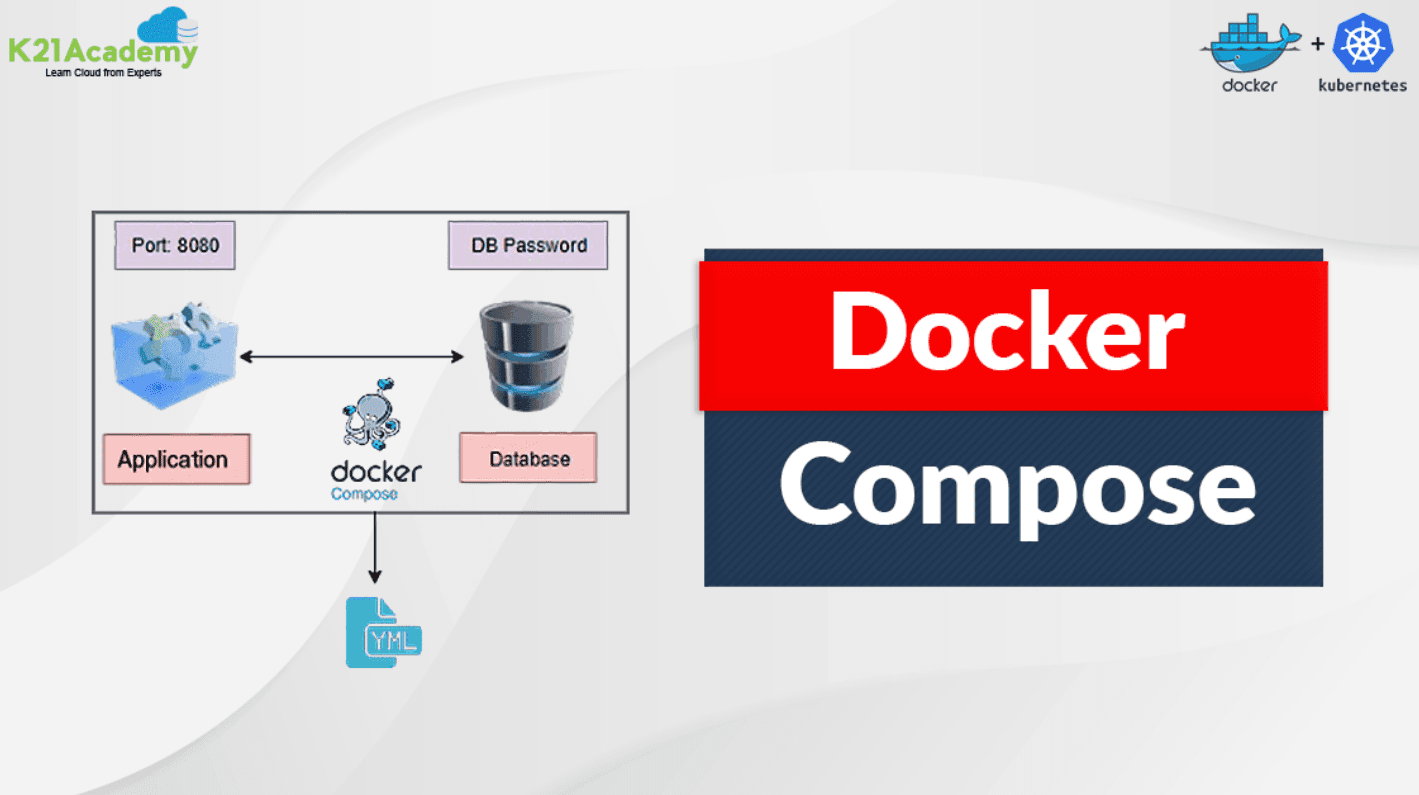

Why Your App Needs a Conductor
Imagine you're throwing a concert (your app). You've got a drummer (database, guitarist (backend, and singer (frontend. Without a conductor, they'd play out of sync. Docker Compose is your tech conductor – it coordinates all your services to perform together perfectly!
What Exactly Is Docker Compose?
It's like a recipe card for your multi-container apps. One YAML file (docker-compose.yml) that tells Docker:
- 🥁 Which services (containers to create
- 🔗 How they should connect
- 📦 What resources they need
- 🎛 Settings for each instrument
Your First Docker Compose Jam Session
Let's create a simple web app with a frontend, backend, and database. Our docker-compose.yml:
version: '3.8'

services:
  frontend:
    image: nginx:latest
    ports:
      - "80:80"
    depends_on:
      - backend

  backend:
    build: ./backend
    ports:
      - "5000:5000"
    environment:
      - DB_HOST=database

  database:
    image: postgres:13
    volumes:
      - db-data:/var/lib/postgresql/data
    environment:
      - POSTGRES_PASSWORD=mysecretpassword

volumes:
  db-data:
Pro Tips From the Dressing Room
Level up with these rockstar moves:
- 🗄️ Use volumes for persistent data (like databases
- 🔌 Set up networks for secure backstage communication
- 🌡️ Add healthchecks to monitor your band members
- ⚡ Use
docker compose up --buildwhen making code changes
When Your App Goes on Tour (Real-World Uses)
Docker Compose shines for:
- 🚀 Local development environments
- 🧪 Testing entire systems
- 🎛️ Running microservices
- 📦 Demo deployments
Encore! Key Takeaways
1. Compose solves "it works on my machine" syndrome 🏥
2. One config file to rule all your containers 📜
3. Spin up full environments with one command ⚡
4. Perfect for development, testing, and demos 🧑💻
Ready to conduct your container orchestra? Create your first docker-compose.yml today – your apps will sound sweeter than ever! 🎵
Related Articles
- Docker & Kubernetes: Friends That Make Your Apps Rock!
Imagine shipping your app anywhere and it just *works*. That's the magic of Docker and Kubernetes! Let's unravel these tech buddies and see how they simplify development. - Microservices Made Easy: Build Apps One Piece at a Time
Tired of big, slow apps? Learn how tiny, independent services can keep your code fast, flexible, and fun to build. - Microservices: Tiny Building Blocks for Big Apps
Discover how small, independent services make your software faster, easier to update, and happier for developers.