
Why Load Testing Still Matters
APIs rarely fail because of bad business logic. They fail when too many users arrive at the same time. Load testing is how you simulate that pressure before real users do it for you.
Autocannon keeps things traditional and honest:
No heavy UI
No complex setup
Just raw numbers and reality
If your API survives Autocannon, it can survive real traffic.
What Is Autocannon?
Autocannon is a Node.js-based HTTP benchmarking tool designed for high-performance backend load testing. It sends HTTP requests as fast as possible and reports how your server behaves under stress.
Key strengths:
Extremely fast
Minimal configuration
Accurate latency and throughput metrics
Installation:
npm install -g autocannon
Important Note About URLs
All URLs used in this article represent backend API endpoints. The port number (such as 5000) may vary depending on your local project setup. Autocannon should always target backend services, not frontend applications.
Core Concepts You Must Understand
1. Concurrency (-c)
Concurrency refers to the number of connections that are active simultaneously.
autocannon -c 50 http://localhost:5000/api/blogs
Meaning:
50 users are hitting your API simultaneously
Each connection sends requests continuously
This is not the total requests. This is parallel pressure.
2. Duration (-d)
Duration defines how long the test runs (in seconds).
autocannon -c 50 -d 20 http://localhost:5000/api/blogs
Meaning:
50 concurrent users
Test runs for 20 seconds
Total requests depend on how fast your server responds
Use duration when you want to simulate sustained traffic.
3. Amount (-a)
Amount defines the exact number of requests to send.
autocannon -a 5000 -c 100 http://localhost:5000/api/blogs
Meaning:
Exactly 5000 requests
Up to 100 requests in parallel
Test ends when request #5000 completes
This is ideal for testing:
Counters (views, likes, watch-count)
Race conditions
Database consistency
Important rule: If -a is provided, Autocannon ignores -d.
Real-World Examples
Example 1: Testing a Blog Views Counter
autocannon -a 5000 -c 100 http://localhost:5000/blog/123/view
This test checks:
Whether view counts increment correctly
If concurrent requests cause lost updates
Database locking or transaction issues
This is a common place where backend bugs hide quietly.
Example 2: Simulating a Traffic Spike
autocannon -c 200 -d 30 http://localhost:5000/api/blogs
This simulates:
A sudden surge of users
Continuous traffic for 30 seconds
Real-world homepage or listing-page load
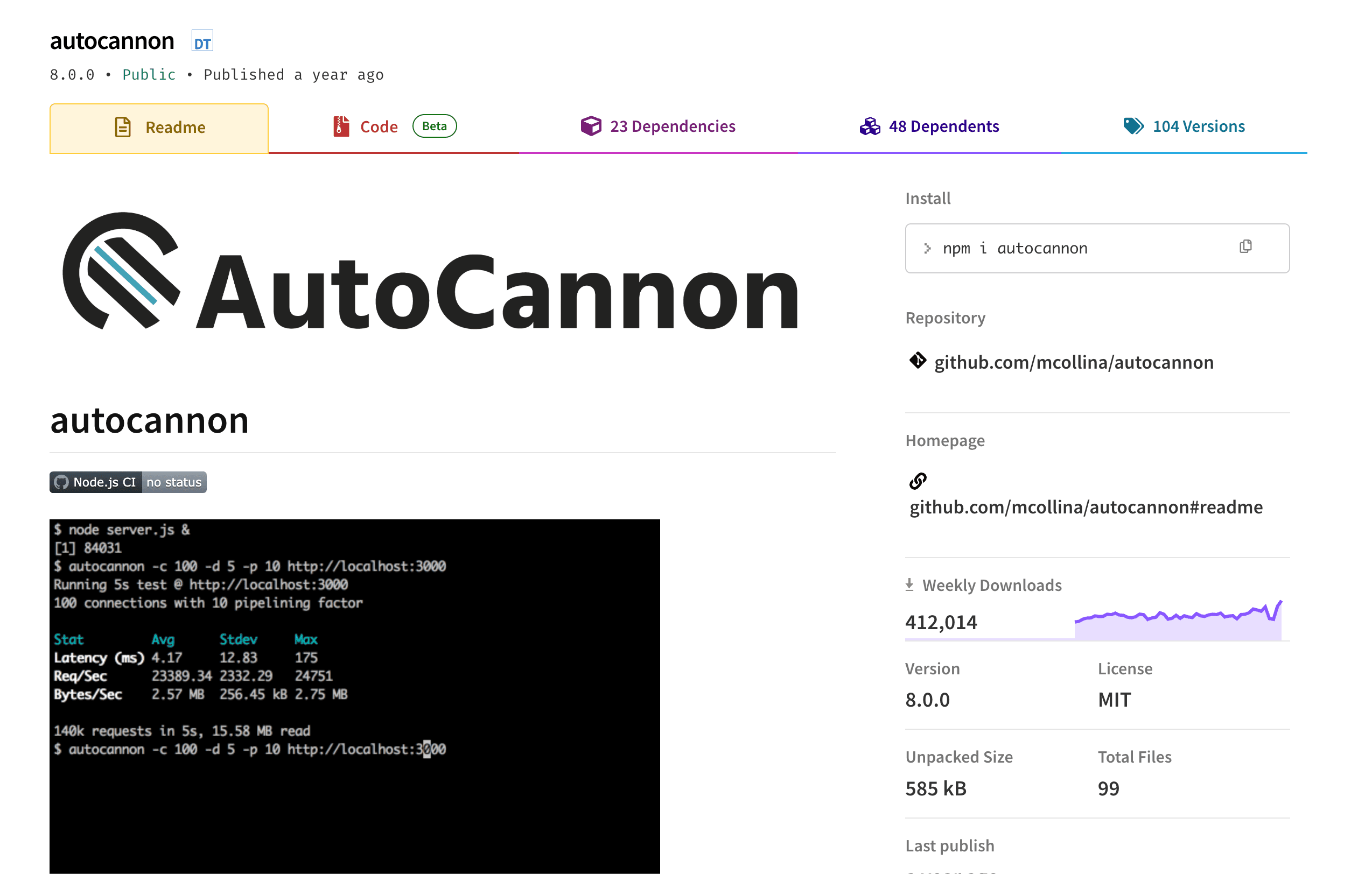
Understanding the Output
Autocannon reports:
Requests/sec → how much traffic your API can handle
Latency (avg, p95, p99) → how response times degrade under load
Errors & timeouts → where things start breaking
High p99 latency means some users are suffering, even if averages look fine.
Common Mistakes
Confusing concurrency with total requests
Load testing frontend URLs instead of APIs
Running tests directly on production
Ignoring database performance
Trusting averages instead of tail latency
Load testing is about finding weaknesses, not chasing pretty numbers.
When to Use Autocannon
Use Autocannon when:
Building backend APIs (Express, NestJS, Fastify)
Testing counters and analytics endpoints
Benchmarking performance before deployment
Catching regressions early
Avoid it when you need:
Browser-level testing
Real user interaction flows
Visual performance reports
Final Thoughts
Autocannon is brutally honest. It does not care about your framework, your cloud provider, or your excuses. It only measures how your backend behaves under pressure.
Run it early. Run it often. Fix what breaks.
Because production traffic does not wait for explanations.
Related Articles
- Testing Strategies: A Beginner’s Playbook for Bug‑Free Apps
Discover simple testing tricks, from unit tests to user journeys, that keep your code clean and your users happy. - GraphQL Made Simple: A Friendly Guide to Flexible APIs
Discover how GraphQL lets you ask for exactly what you need, cut down on data waste, and build APIs that developers love. - Node.js Speed Boost: Make Your App Fly!
Node.js apps feeling slow? Don't worry! This guide will help you identify bottlenecks and optimize your code for lightning-fast performance. Let's make your app a speed demon!