
What the Heck is PM2 (And Why Should You Care)?
Picture this: You've built an awesome Node.js app. You run it with node app.js, high-five your cat, and call it a day. Next morning... "Connection refused". Your app crashed overnight!
Enter PM2 – the trusty sidekick that:
🦸 Keeps your app alive forever (auto-restarts if it crashes)
⚡ Makes scaling apps as easy as snapping fingers
🔍 Gives you X-ray vision into your app's performance
⏰ Enables zero-downtime deployments
Getting Started: PM2 in 60 Seconds
Install PM2 globally (you'll only do this once):
Bash
npm install pm2 -gNow start your Node app like a pro:
Bash
pm2 start app.jsBoom! Your app is now:
🛡️ Protected from crashes (PM2 auto-restarts it)
📊 Logged (view logs with pm2 logs)
🔧 Managed (stop/restart easily)
Local Setup (On Your Computer – Perfect for Development)
Install PM2 (if not done):
Bash
npm install pm2 -gGo to your project folder:
Bash
cd your-project-folderStart your app:
Bash
pm2 start dist/main.js --name my-app # or app.jsCheck status and logs:
Bash
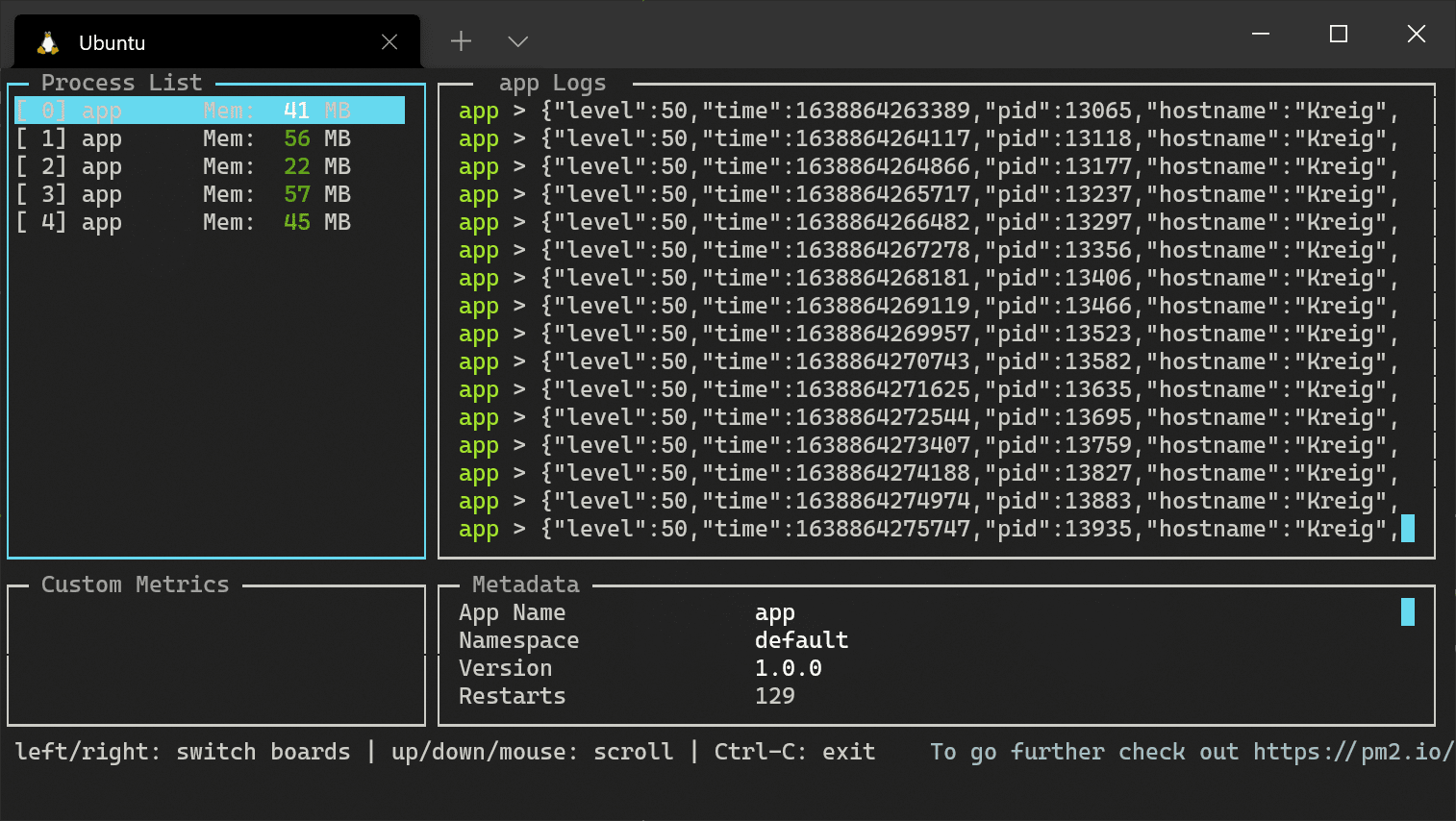
pm2 status
pm2 logs my-app
Production Setup (Real Server – With SSH)
In real projects, your app runs on a remote server.
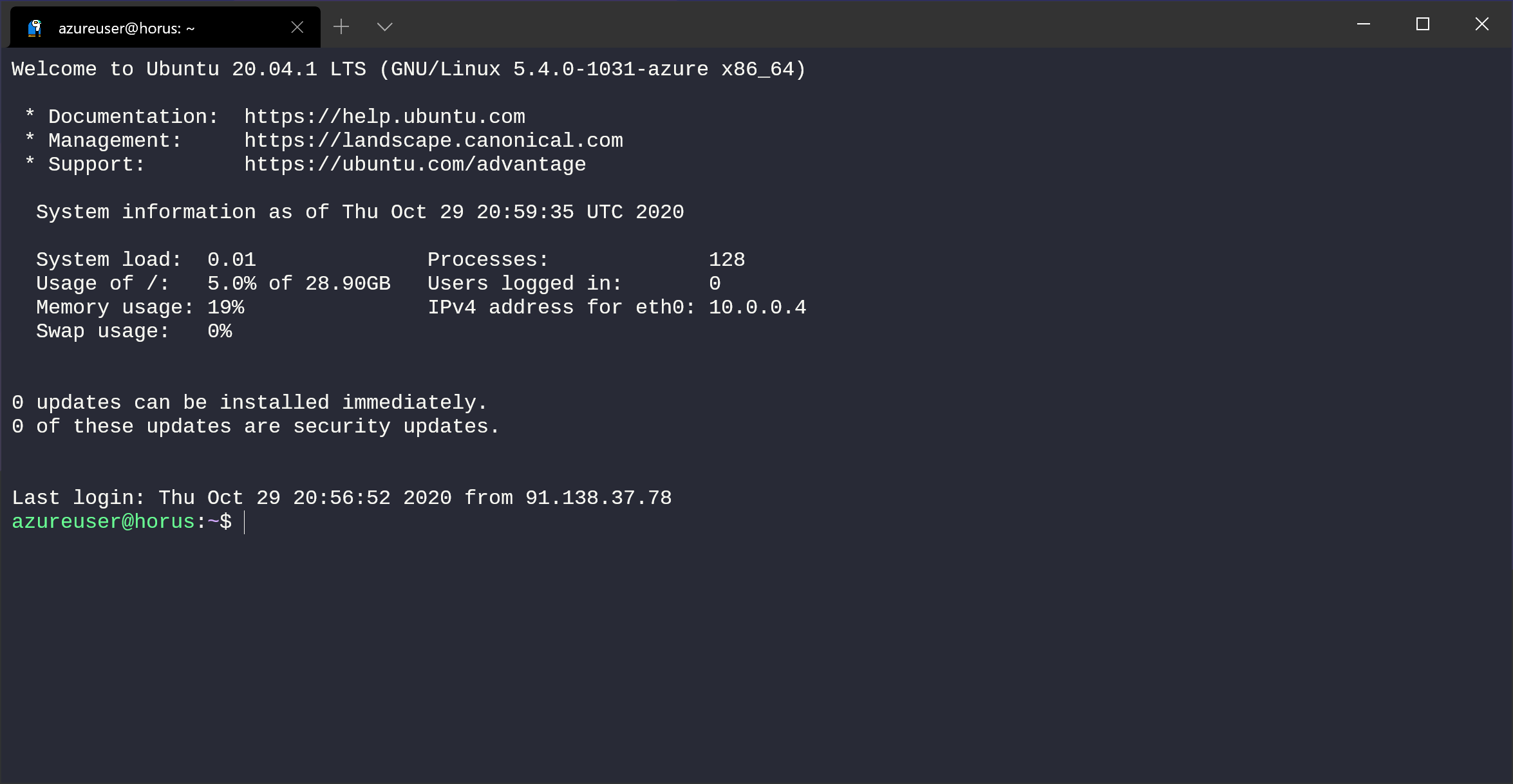
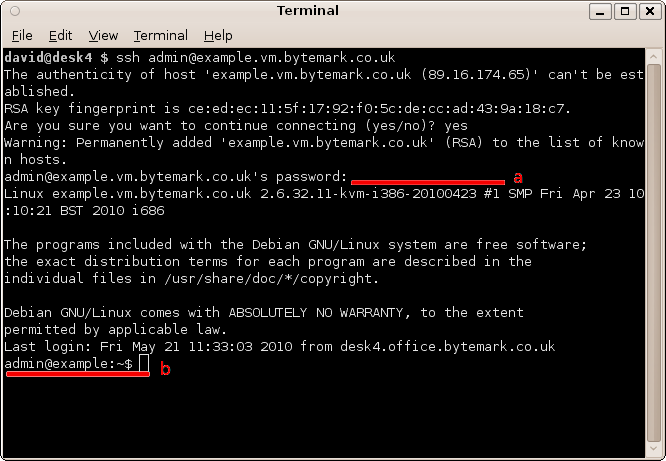
Connect via SSH (from your laptop terminal):
Bash
ssh pachhai@192.168.1.100 # replace with your username & IP(First time? Type "yes" to accept.)
Go to backend folder (common pattern: project-name → backend:
Bash
cd myproject/backendInstall PM2 (only once on server):
Bash
npm install pm2 -g
Real-World PM2 Usage: From Development to Production
In actual workflows (like my recent project), PM2 manages different environments safely.
Multi-Environment Management
Check running processes:
Bash
pm2 statusTypical output (dev for testing, prod for live users):

Critical Rule: Always work on dev (usually higher ID) and never touch prod (usually ID 0) during development. This prevents downtime!
The Development Workflow
After code changes, build:
Bash
yarn build # or npm run buildReload dev:
Bash
pm2 reload dev # or pm2 reload 1Monitor logs:
Bash
pm2 logs dev # or pm2 logs 1

When ready, deploy to prod:
Bash
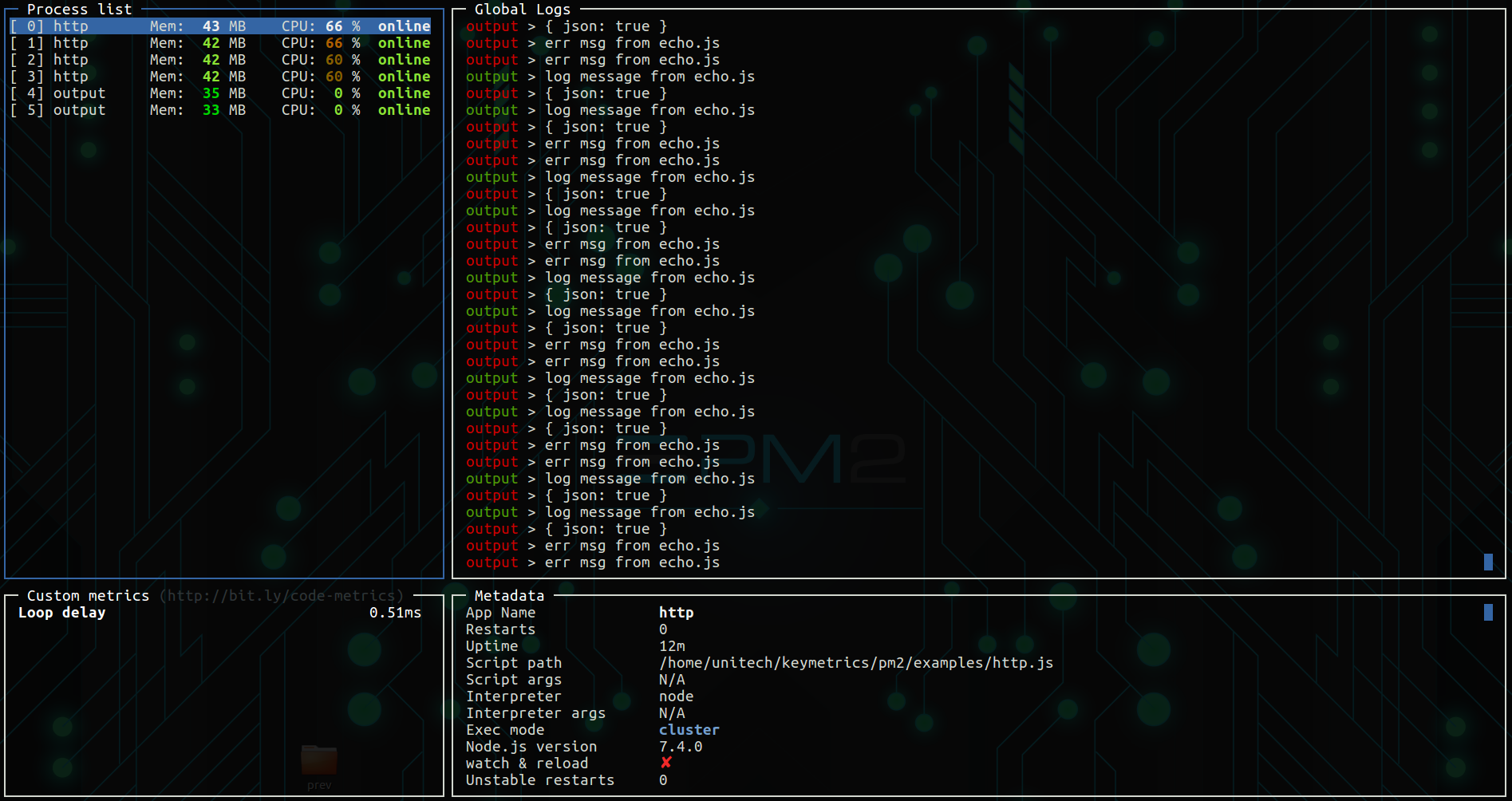
pm2 reload prodLive Monitoring Dashboard
Bash
pm2 monit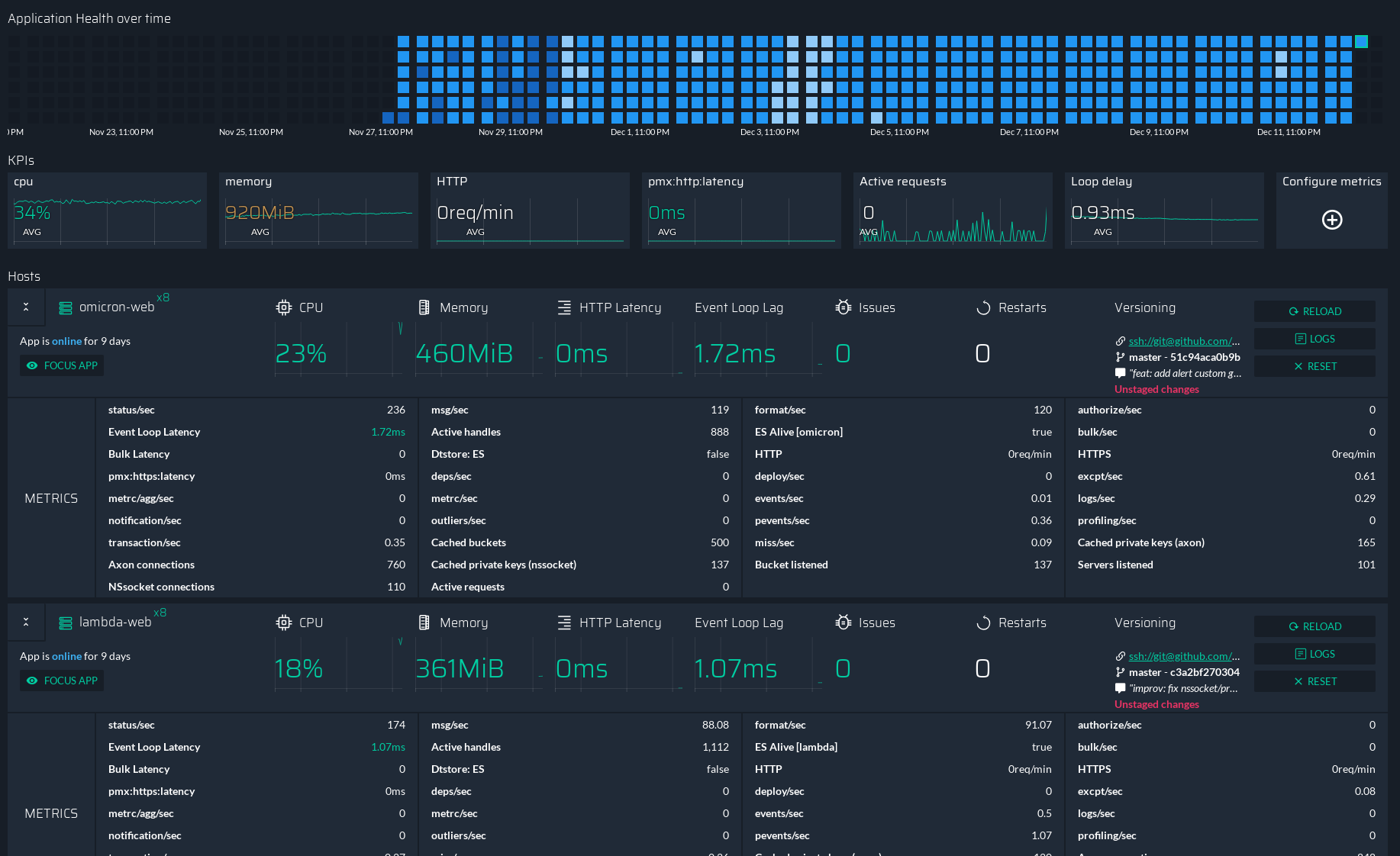
PM2 Cheat Sheet: Must-Know Commands
Bash
pm2 list              # Same as status
pm2 stop app_name
pm2 restart app_name
pm2 reload app_name   # Zero downtime!
pm2 logs app_name --lines 100
pm2 monit
pm2 save              # Save processes
pm2 show app_name
Supercharge Your Setup: Pro Tips
1. The Magic Configuration File
Create ecosystem.config.js for pro setups:
node.js - dockerizing a nodejs application - should pm2 ls work ...
module.exports = {
  apps: [{
    name: "My Awesome App",
    script: "./dist/main.js",
    instances: 2,
    autorestart: true,
    watch: false,
    max_memory_restart: "1G",
    env: { NODE_ENV: "development", PORT: 3000 },
    env_production: { NODE_ENV: "production", PORT: 80 }
  }]
};
Start:
Bash
pm2 start ecosystem.config.js --env production2. Log Management for Debugging
Bash
pm2 logs --lines 50
pm2 logs --raw
pm2 logs --err
pm2 logs --out
pm2 logs --timestamp
3. Startup Scripts (Survive Reboots!)
Bash
pm2 startup
pm2 save
Real-World PM2 Superpowers in Action
Scenario 1: 10x Traffic
Bash
pm2 scale app_name 4Scenario 2: Zero-Downtime Update
Bash
git pull origin main
npm install
npm run build
pm2 reload app_name
Scenario 3: Debugging Issues
Bash
pm2 status
pm2 logs app_name --err --lines 100
pm2 monit
pm2 reload app_name
Scenario 4: Multiple Environments
Bash
pm2 start ecosystem.config.js --env development
pm2 start ecosystem.config.js --env production --name "app-prod"
pm2 list
pm2 reload app-dev
Your PM2 Action Plan
Install today: npm i pm2 -g
Replace node app.js with PM2
Create ecosystem.config.js
Try pm2 monit
Run pm2 startup && pm2 save
Lessons from the Trenches
Always reload, not restart
Check logs after every deploy
Separate dev/prod
Run pm2 save on warnings
Watch memory leaks!
PM2 isn't just a tool – it's your app's insurance policy. Happy coding, and may your servers stay forever online! 🚀
Related Articles
- Node.js Streams & Buffers: No More Waiting Around!
Learn how streams and buffers make Node.js apps fast and efficient. Handle large data like a pro without crashing your server! - Microservices Made Easy: Build Apps One Piece at a Time
Tired of big, slow apps? Learn how tiny, independent services can keep your code fast, flexible, and fun to build. - Node.js Speed Boost: Make Your App Fly!
Node.js apps feeling slow? Don't worry! This guide will help you identify bottlenecks and optimize your code for lightning-fast performance. Let's make your app a speed demon!