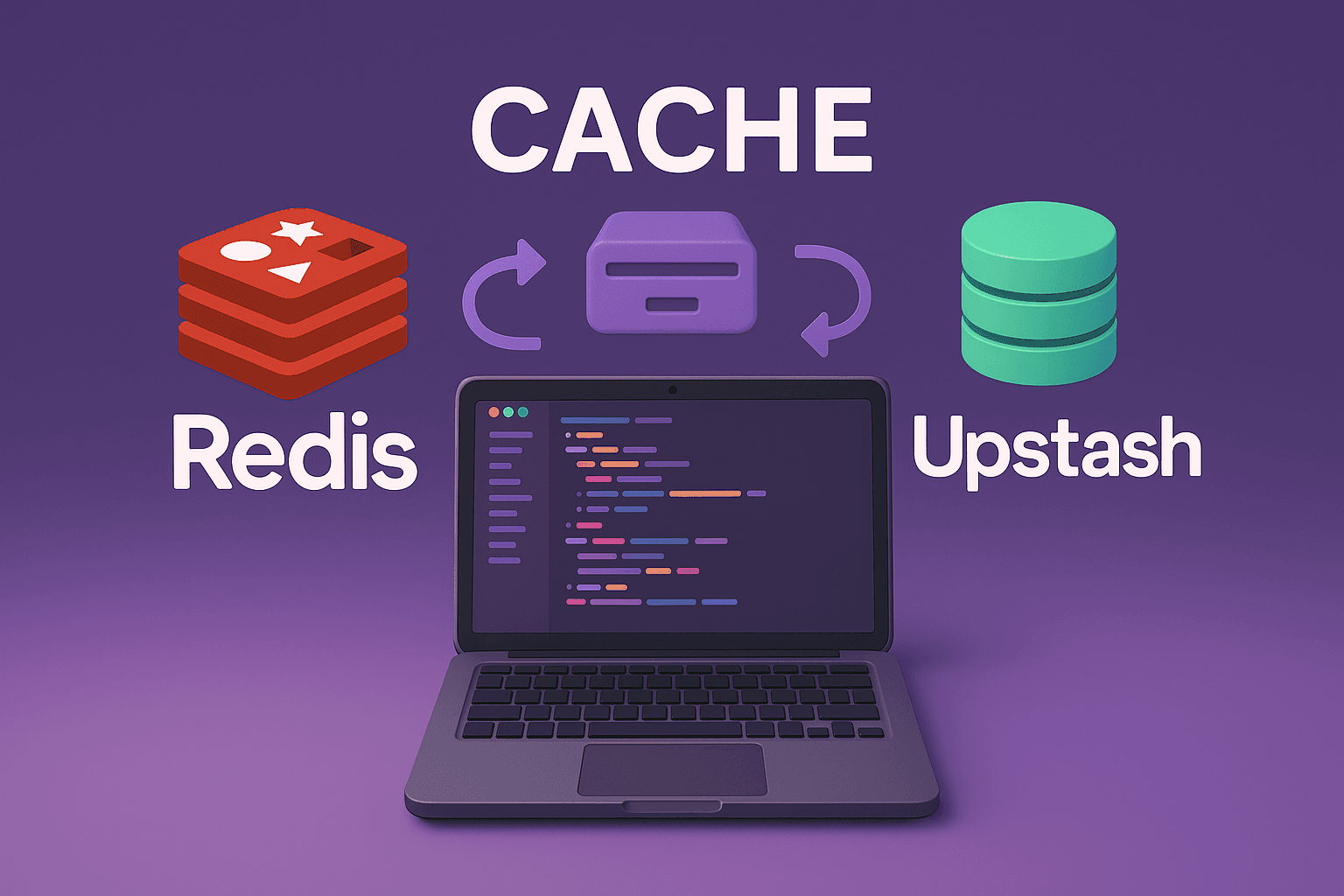

When I first heard about Redis, I was excited. A fast, open-source database perfect for caching and real-time features. But then I saw the pricing - $20 to $100+ per month for managed Redis services. Wait, wasn't Redis supposed to be free?
This confusion led me down a rabbit hole that every developer faces: understanding the difference between free software and free hosting.
The Redis Pricing Confusion
Here's what I learned: Redis software is completely free, but running Redis costs money.
Think of it like owning a car:
Car blueprints = Free (like Redis source code)
Building the car = Costs money (materials, factory)
Running the car = Costs money (gas, maintenance)
Redis Software (Free)
Download and use Redis = $0
Modify the code = $0
No license fees ever
Running Redis (Costs Money)
Server rental = $20–$50/month
Memory (Redis needs RAM) = extra cost
Maintenance and monitoring = your time
Backups and security = more work
What is Upstash?
Upstash is a Turkish startup that solved this problem. They take the free Redis software and host it for you with a twist - it’s serverless.
Simple analogy:
Redis = Toyota engine
Upstash = Car rental company with Toyota cars
Upstash runs real Redis on their servers, adds serverless features, and handles all the boring stuff (updates, backups, monitoring) so you don’t have to.
Real Cost Comparison
Here’s how it worked out for my portfolio project:
My Setup
Database: MongoDB Atlas - Free tier
Redis: Upstash - Free tier
Total: $0/month
Alternative Options
Vercel KV Redis: $20/month
Render Redis: $7/month
Self-hosted Redis: $20/month + ~10 hours of my time
The choice was obvious.
How I Use Redis in My Portfolio
I implemented Upstash Redis for visitor analytics on my portfolio. Here's a simple example:
// Track unique visitors
await redisClient.hSet('visitors', userIP, JSON.stringify({
  country: userCountry,
  timestamp: new Date(),
  userAgent: req.headers['user-agent']
}));

// Get total visitor count
const totalVisitors = await redisClient.hLen('visitors');
Features powered by Redis:
Real-time visitor counter on homepage
Unique visitor tracking
Geographic analytics
Fast session management
Results:
Response time: Under 50ms
Uptime: 99.9% (managed by Upstash)
Cost: $0/month
Maintenance: Zero
You can see this live on my portfolio at saranshpachhai.com.np - the visitor counter updates in real-time using Upstash Redis.
Setting Up Upstash Redis
It’s surprisingly simple:
Sign up at upstash.com (free)
Create a Redis database
Copy the connection URL
Add to your environment variables:
UPSTASH_REDIS_URL=redis://default:token@host:6379
UPSTASH_REDIS_TOKEN=your-token
Start coding with standard Redis commands:
import { createClient } from 'redis';

const redis = createClient({
  url: process.env.UPSTASH_REDIS_URL
});

// Example usage
await redis.set('key', 'value');
const value = await redis.get('key');
When to Choose What
Upstash:
Personal projects or startups
Zero maintenance
Predictable costs
Serverless architecture
Traditional Managed Redis:
High-traffic applications (1M+ requests/day)
Need dedicated resources
Compliance requirements
Self-Hosted Redis:
Enjoy server management (seriously?)
Specific security needs
On-premise infrastructure
The Bottom Line
The confusion between Redis and Upstash comes from mixing up software and infrastructure. Redis is free software, but running it properly costs time, servers, and expertise.
Upstash gives you Redis functionality without the operational headache. For most web applications, it’s fast, reliable, and free - perfect for developers who want caching and real-time features without extra work.
I’ve been using Upstash Redis for months, and it just works. No bills, no maintenance, no surprises.
If you’re building your next project, try Upstash - you’ll thank yourself when you’re not managing Redis servers at 2 AM.
Have you used Upstash Redis in your projects? Share your experience in the comments!
Related Articles
- My Exact Setup: Deploying a Next.js + Node.js App for Free
I finally found the perfect free hosting stack for my MERN applications. Here's how I deployed my Next.js frontend to Vercel and Express backend to Render with MongoDB Atlas. - Serverless Computing: No Servers? No Problem!
Discover how serverless lets you build apps without managing servers. Scale effortlessly, pay only for what you use, and sleep soundly! - Blockchain 101: A Fun Road‑Trip to the Future of Data
Ever wondered how a digital ledger can keep money, contracts, and even voting safe? Take a quick, friendly tour of blockchain tech!