
Why Testing Feels Like a New Friend, Not a Foe
When you write code, you usually think of the happy moment when things work. Testing is the quiet partner that keeps that happy moment alive.
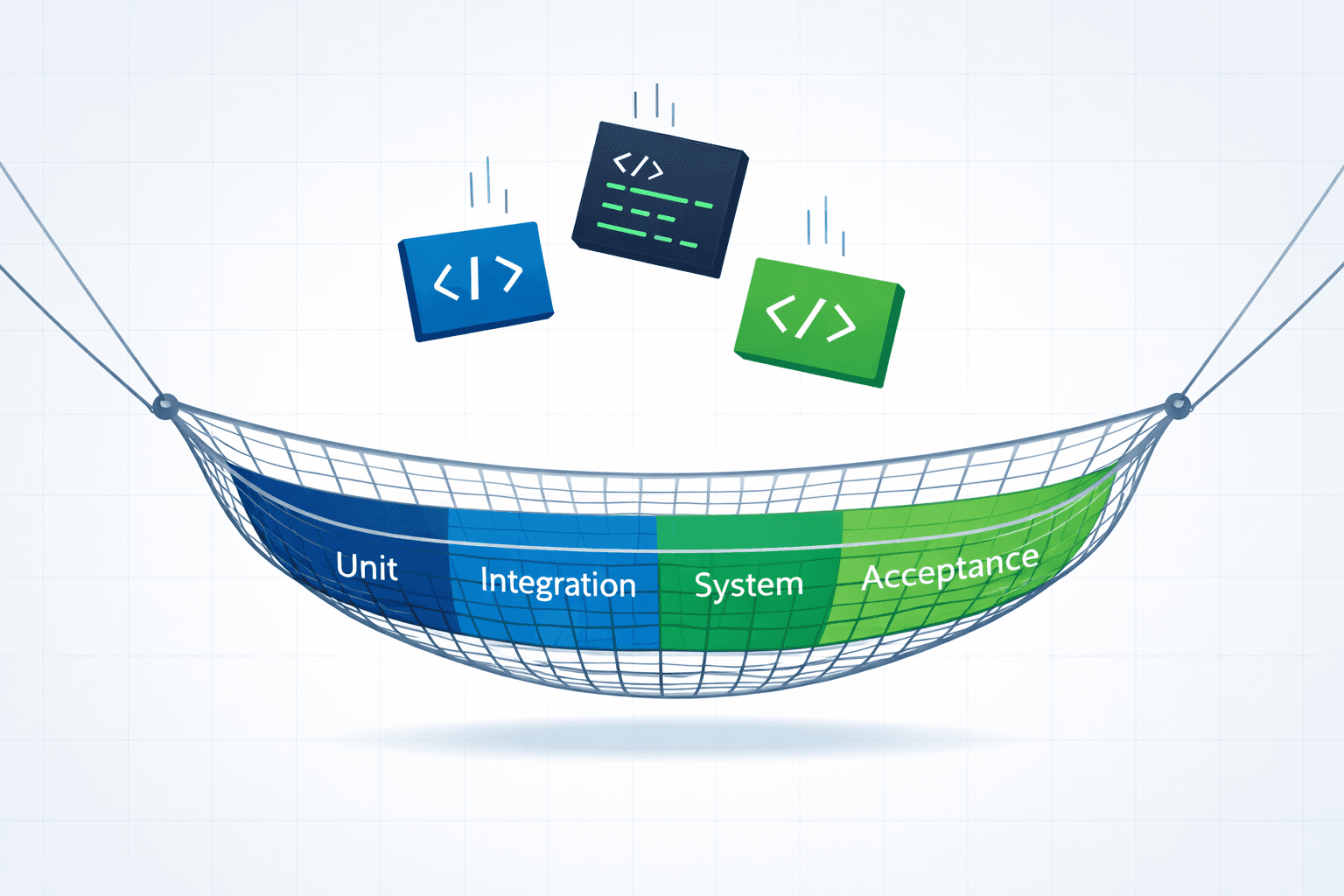
Think of testing as a safety net. If you drop a ball, the net catches it. If you catch bugs early, you avoid big headaches later.
In real life, a bug discovered after launch can cost time, money, and reputation. Testing helps you avoid that.
Building Blocks of Testing
There are four main types of tests in most projects. Each type covers a different part of the system.
Unit tests check a single function or method. They are the smallest tests.
Integration tests verify that two or more units work together.
System tests run the whole application in an environment similar to production.
Acceptance tests mimic real user actions to ensure the product meets business goals.
Using all four gives you full coverage.
1. Unit Testing Made Simple
Unit tests are fast and easy. They let you write a quick check right next to the code you write.
Example: A tiny JavaScript calculator function.
function add(a, b) {
  return a + b;
}

// Unit test for add
test('adds two numbers', () => {
  expect(add(2, 3)).toBe(5);
});
Run this every time you change the code. If the test fails, you know exactly where to look.
2. Integration Testing: The Glue Check
Sometimes two units work well together but fail when combined. Integration tests catch that.
Scenario: An order service calls a payment gateway. The gateway is mocked for tests.
// Mock payment gateway
const paymentGateway = {
  charge: jest.fn(() => Promise.resolve('ok'))
};

test('processes order and charges', async () => {
  const orderId = await orderService.createOrder({items: [1, 2]});
  expect(paymentGateway.charge).toHaveBeenCalled();
});
Notice the test keeps the environment predictable.
3. System Testing: The Full‑Scale Play
Here you run the whole app, often in a Docker container or a cloud sandbox. You test the front‑end, back‑end, database, and third‑party APIs.
Tools: Cypress for browser testing; Postman for API tests.
Example: Checking that a user can log in and see their dashboard.
describe('User login flow', () => {
  it('logs in and shows dashboard', () => {
    cy.visit('/login');
    cy.get('input[name=email]').type('user@example.com');
    cy.get('input[name=password]').type('secret');
    cy.get('button[type=submit]').click();
    cy.url().should('include', '/dashboard');
  });
});
4. Acceptance Testing: The Customer Voice
These tests are read from the user’s perspective. Tools like Cucumber let you write stories in plain English.
Feature: Shopping Cart
  Scenario: User adds item to cart
    Given I am on the product page
    When I click "Add to cart"
    Then the cart count should be 1
Acceptance tests keep the product aligned with business goals.
Practical Tips for Every Developer
Write tests first or right after coding. The faster you go, the less work later.
Keep tests small. One test, one scenario.
Run tests automatically. Use CI tools like GitHub Actions or GitLab CI.
Use realistic data. Mock only what you need to isolate the test.
Document test cases. A comment or README can explain why a test exists.
Real‑World Scenario: A Tiny Online Store
Imagine a site that sells t‑shirts. Here’s how the testing strategy looks:
Unit tests for price calculation and discount logic.
Integration test that checks the cart service calls the payment gateway.
System test that drives the browser to add an item to the cart, checkout, and receive a confirmation email.
Acceptance test written in plain English: *“As a customer, I want to filter shirts by color.”*
When this stack runs on every commit, the developer can ship new features quickly, knowing that the risk of breaking the site is low.
Actionable Takeaways
Start with unit tests; they are quick and cover the basics.
Integrate integration tests early to catch interaction bugs.
Use a CI pipeline to run all tests on every pull request.
Write acceptance tests that mimic real user stories.
Keep your tests organized - group by feature, not by type.
Review and refactor tests as you refactor your code.
Remember: Testing isn’t a chore; it’s an investment that pays off with happier users and smoother development.
Related Articles
- Load Testing with Autocannon: A Practical Guide for Real APIs
Autocannon is a fast, no-nonsense load testing tool for Node.js that tells you the truth about your backend APIs under pressure. This guide explains every important Autocannon concept - concurrency, duration, amount, latency, and real-world usage with clear examples you can actually run. - Speed Up Your DB: Quick Wins for Faster Queries
Learn simple tricks to make your database run faster and keep users happy. - Software Architecture Made Simple: Build Strong, Scalable Apps
Discover the basics of software architecture, real‑world examples, and quick tips to design systems that grow with your users.