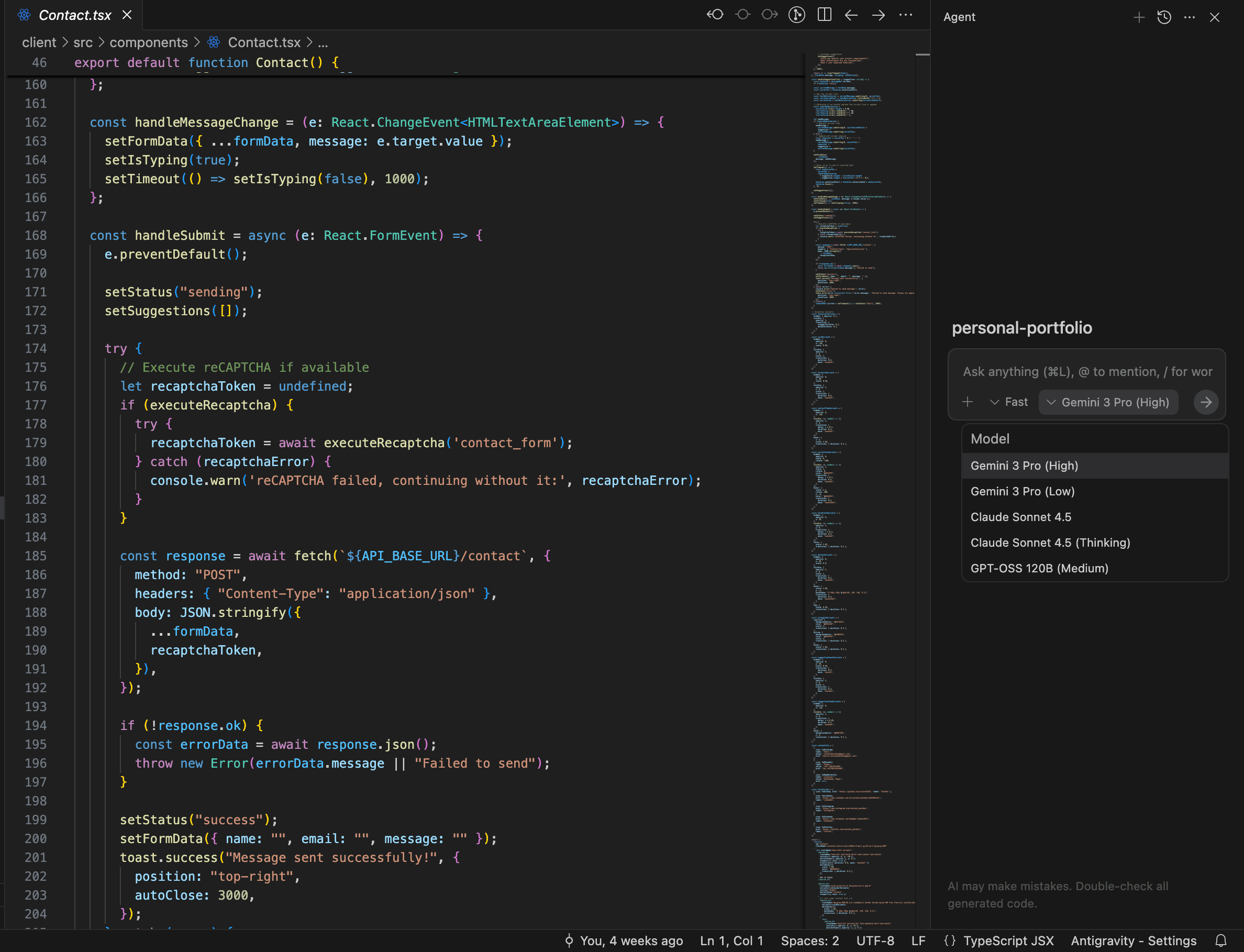

What is Google Antigravity?
Google Antigravity is a brand-new IDE that just launched at antigravity.google. The name isn't just marketing - it's about removing the "weight" of traditional development: slow builds, complex configs, and clunky workflows.
First Impressions: What Makes It Different?
Lightning-Fast Performance Built on Google's infrastructure, Antigravity feels instant. Code completion, builds, and previews happen in milliseconds. No more waiting for your IDE to "think."
AI-Native Design Unlike other IDEs that bolted on AI later, Antigravity was built with AI from day one. It understands your codebase contextually and suggests refactors, fixes bugs, and even writes tests that actually make sense.
Zero Setup Download and start coding. No plugins to install, no settings to configure. It just works with smart defaults for every major framework.
Best Use Cases
Full-Stack Web Development Antigravity shines with React, Next.js, Vue, and Node.js projects. Built-in dev servers, hot reload, and instant deployment previews.
Team Collaboration Share your workspace with a link. Real-time co-editing, built-in code review, and synchronized debugging. Perfect for remote teams.
Learning to Code The AI assistant explains code in plain English. Hover over any function, and it tells you what it does no more Googling basic syntax.
Rapid Prototyping Spin up a project from templates, get AI-generated boilerplate, and deploy to Google Cloud in one click. Idea to production in minutes.
Mobile & Cross-Platform Built-in emulators for iOS and Android. Test responsive designs without leaving the IDE.'
Key Features Worth Knowing
Smart Imports: Auto-installs packages as you type.
Visual Debugging: See variable states in real-time.
Git Integration: Commit, branch, and merge without terminal commands.
Cloud Sync: Your projects follow you across devices.
Performance Insights: Built-in profiler shows bottlenecks instantly.
Should You Try It?
If you're tired of VS Code feeling sluggish or want AI that actually helps (not just autocompletes), give Antigravity a shot. It's free to download and takes 2 minutes to set up.
Google isn't just competing with VS Code - they're reimagining what an IDE should be. And honestly? It feels like the future.
Download: antigravity.google
Related Articles
- Ride the Rhythm of Vibe Coding: A Fun Guide for Every Developer
Learn Vibe Coding – a playful, collaborative way to write clean code, boost creativity, and ship faster. - AI Coding Assistants Made Simple: Copilot & Cursor in Action
Discover how AI tools like GitHub Copilot and Cursor boost your coding, with real examples, tips, and a glimpse into the future. - Web Dev Unwrapped: Your Friendly First Steps!
Ever wondered how websites work? Grab coffee as we unwrap web dev basics—no jargon, just fun! Your site-building journey starts here.